PDF Compress for Mac Expert | Professional PDF File Size Reducer

PDF Compress Expert is a native macOS compression tool built to shrink PDF efficiently via optimized image DPI tuning, intelligent metadata cleanup and advanced compression algorithm. Reduce PDF size up to 90% while keeping original visual quality, ideal for email sharing, cloud upload and local storage saving.

System Requirement: macOS 11.0 ~ Latest macOS 26 Tahoe, Full Dark/Light & Multi-language Supported

Engineered for professional office workflows, PDF Compress Expert delivers industry-leading high-fidelity PDF compression with zero visible quality degradation. Powered by advanced lossy and lossless hybrid compression algorithms, this tool can downsize oversized PDF files by up to 90% while fully preserving original text clarity, image resolution, layout formatting, fonts, and interactive elements. It effectively eliminates bloated file data, streamlines document sizes, and greatly optimizes file transmission efficiency, enabling faster email delivery, smoother cloud storage synchronization, and hassle-free local archiving for both personal and commercial office scenarios.

Multiple Convenient PDF Import Ways

Add your target PDF files via 3 practical approaches designed for macOS user habits:
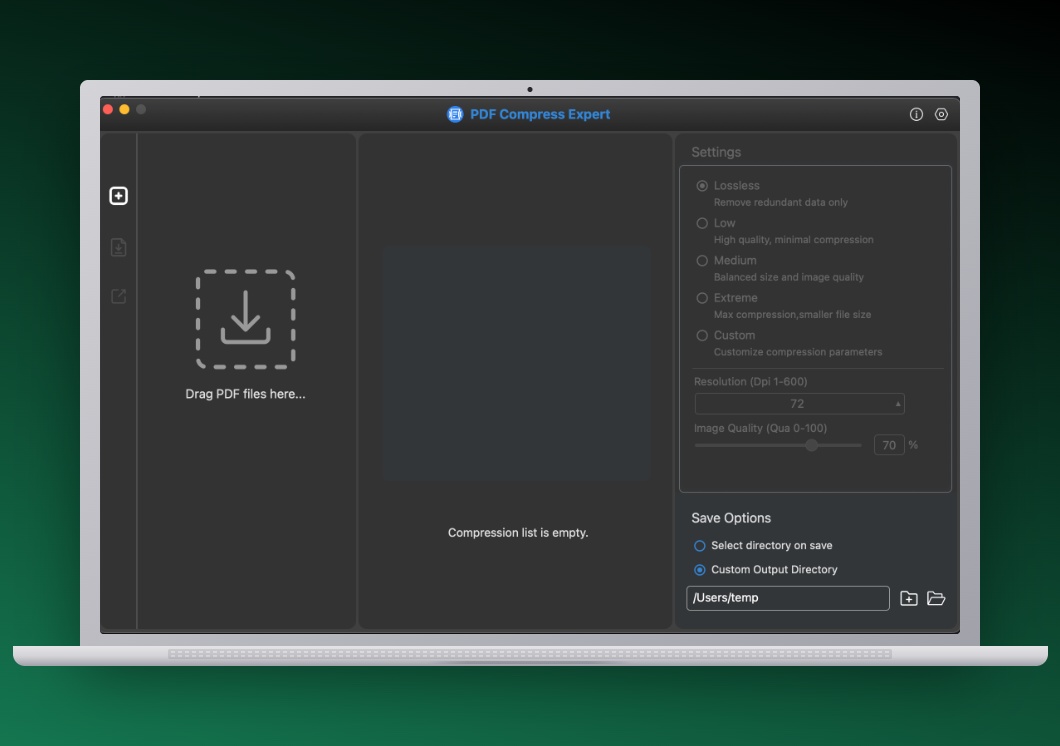
  • Drag & drop PDF / folders onto app window or desktop app icon directly
  • Right-click PDF in Finder → Open With → PDF Compress Expert
  • Manual file picker to browse local documents
  • Mac shortcut: Command for random multi-select, Shift for continuous range selection on file list
PDF Import
Compression Settings

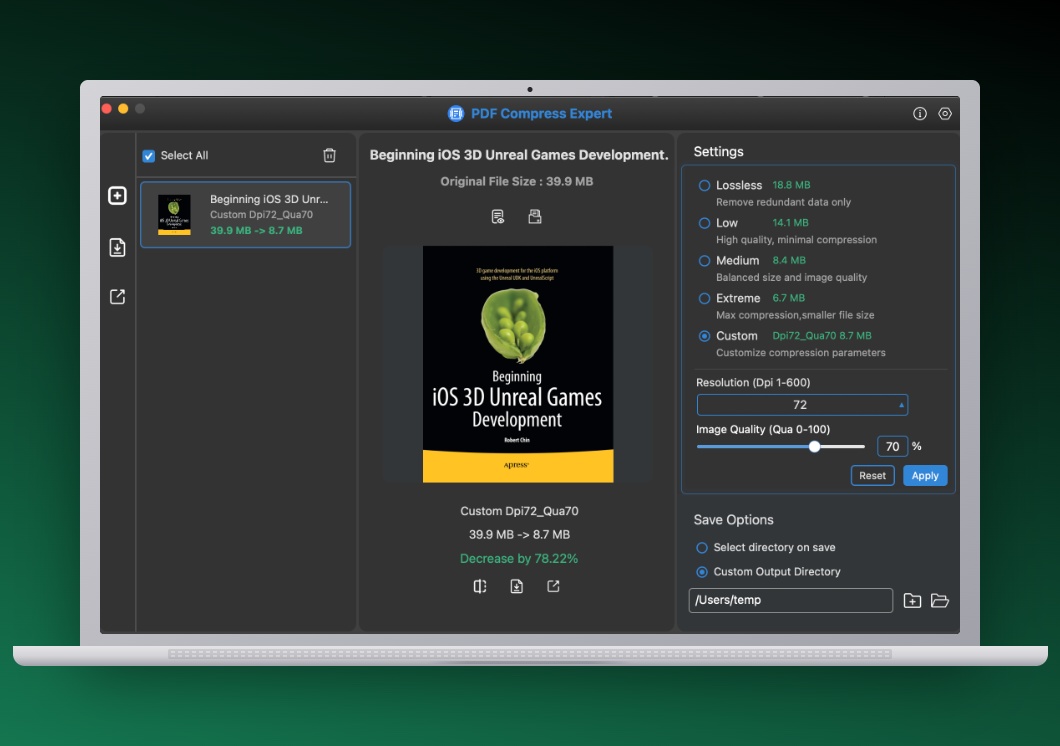
Auto Presets + Full Manual Custom Compression

Two core compression modes to match all your quality & size demands:

  • 5 ready compression presets: Lossless / Low / Medium / High / Extreme for one-click quick compress
  • Custom Mode: Set exact image DPI downsample value & JPEG image compression ratio manually
  • Auto delete redundant metadata, unused thumbnails & orphan PDF objects for smaller file size

Side-by-Side Real-Time PDF Quality Preview

Verify compression effect before export with split dual-view preview panel:
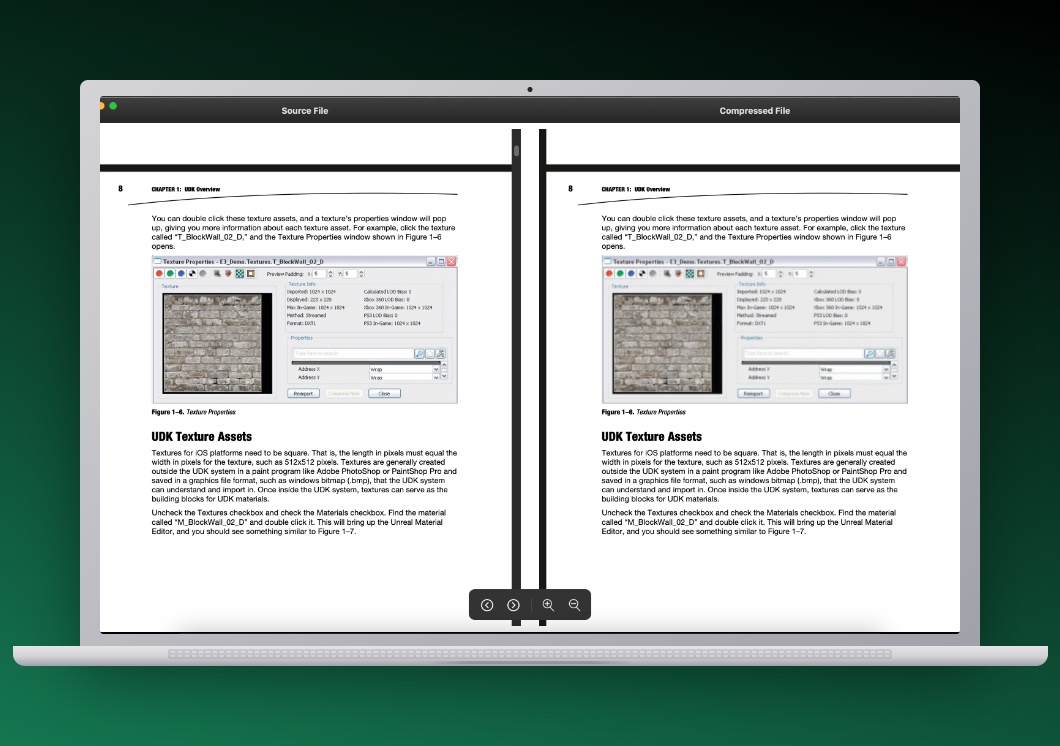
  • Original and compressed PDF display synchronously inside one single window
  • Support two-finger pinch-to-zoom gesture to magnify details for precise quality inspection
  • Synchronized page scrolling for both documents for easy comparison
Side by Side Preview
Batch Selection

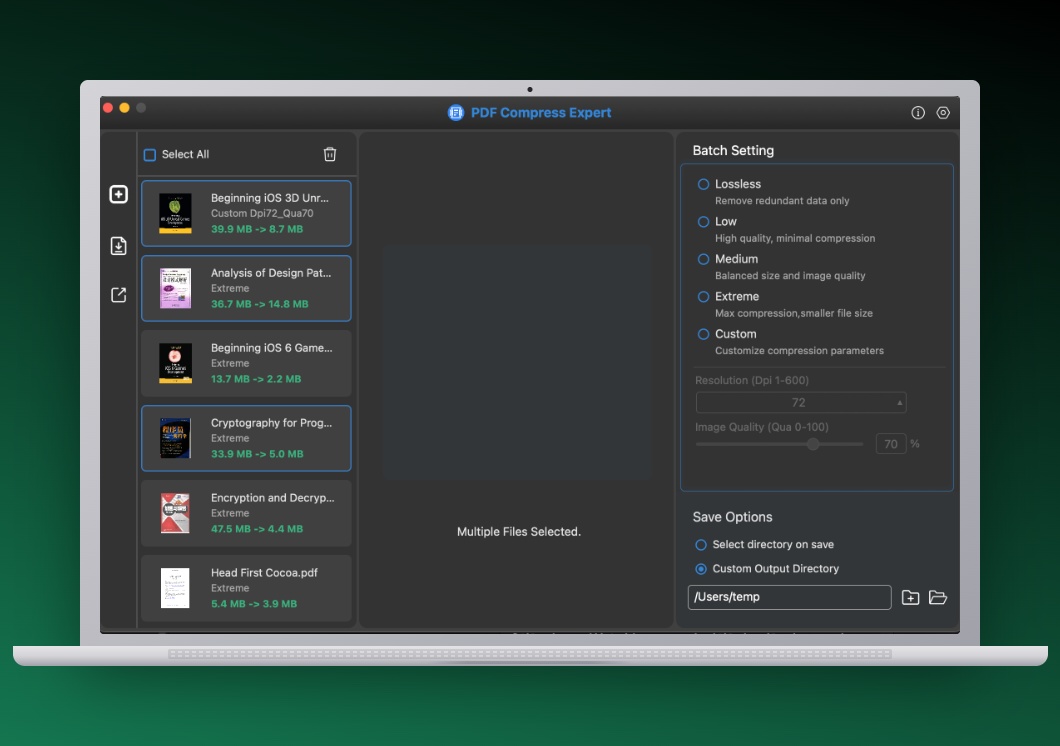
Batch Selection & One-Click Bulk Export

Process dozens of PDFs in batch with flexible output rules:

  • Apply identical compression parameters to all selected files in bulk
  • Multi-core accelerated parallel compression to improve processing speed
  • Three output options: Replace Original, Prompt Folder Every Time, Fixed Default Directory
  • Keep original source folder structure & preserve PDF create/modify timestamp after compression

Exclusive: Dark/Light Mode & Global Multi-Language

Differentiated advantages over ordinary PDF compression software:
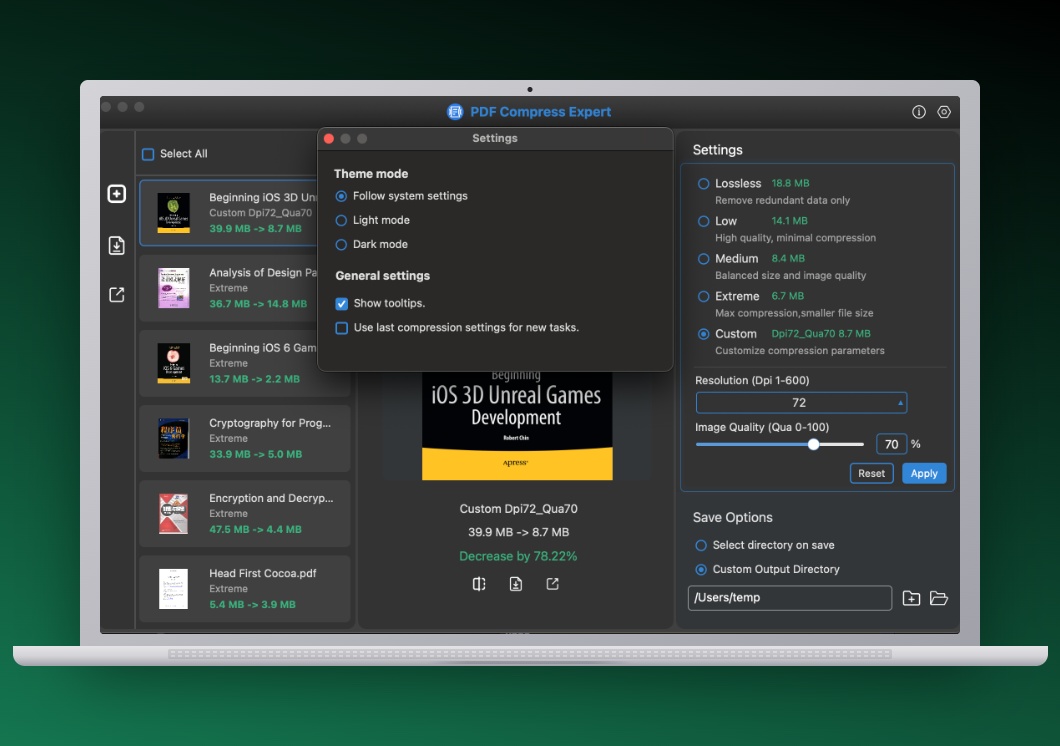
  • Native Light / Dark appearance mode, auto follow your macOS system theme
  • 17 global languages: English, French, German, Japanese, Italian, Spanish, Portuguese, Russian, Turkish, Polish, Dutch, Simplified Chinese, Traditional Chinese, Indonesian, Vietnamese, Thai, Malay
  • Comfortable UI experience for users from all over the world
Appearance & Preferences
Quick Share

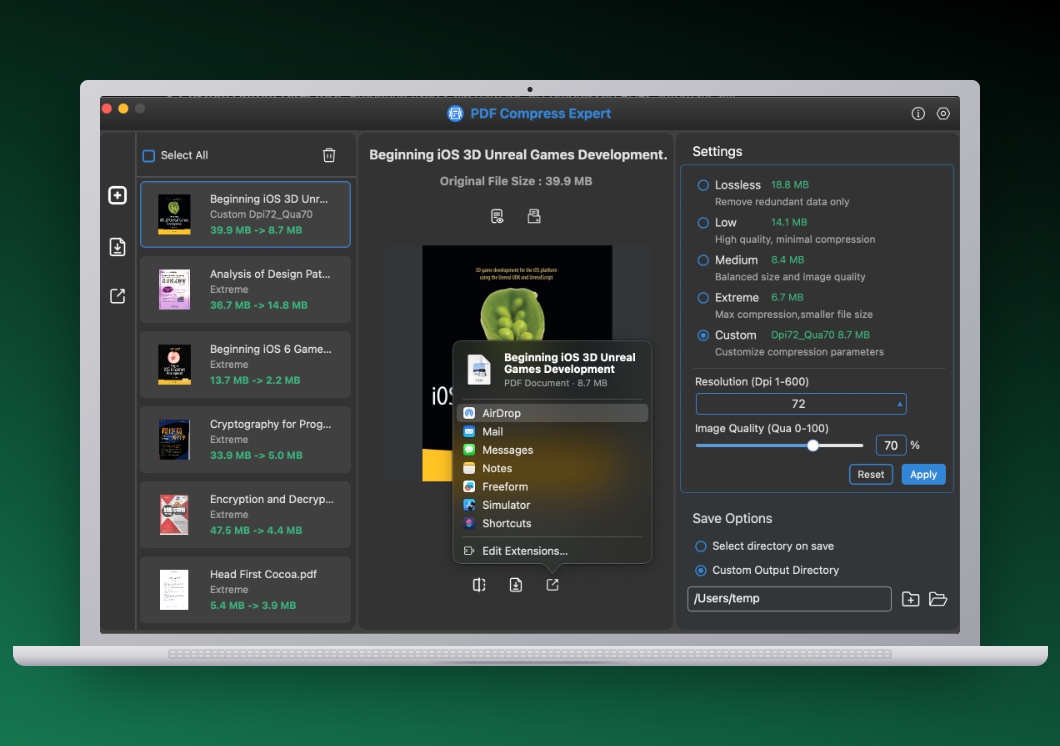
One-Click Quick File Share

Right-click compressed PDFs to open macOS native sharing menu, instantly send documents via AirDrop, Mail, Messages and other installed apps without extra operations.

Recommended Extra PDF Tools

If you need PDF conversion to Word, PPT, Excel & Image formats, check our PDF Converter for Mac Expert.